
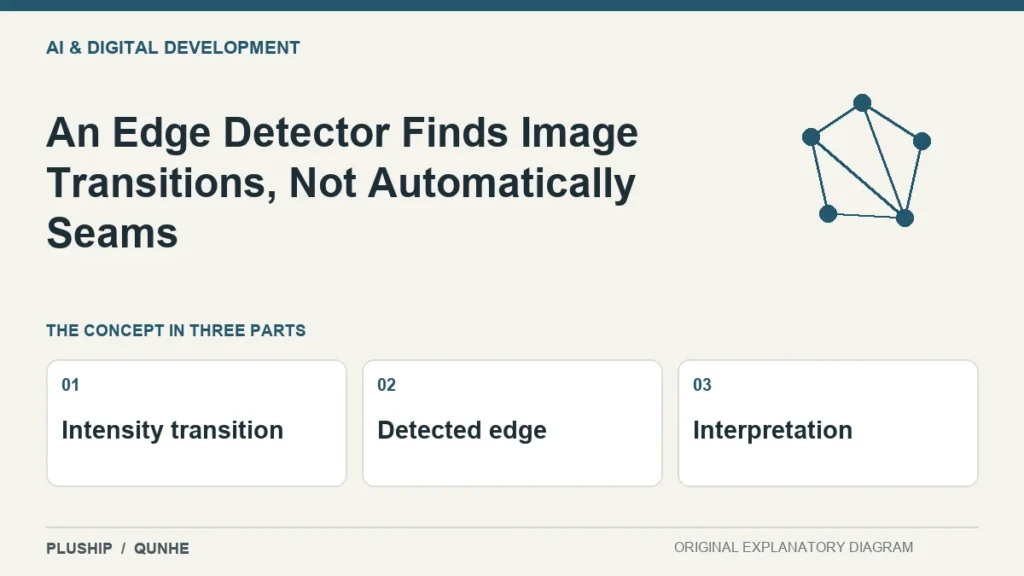
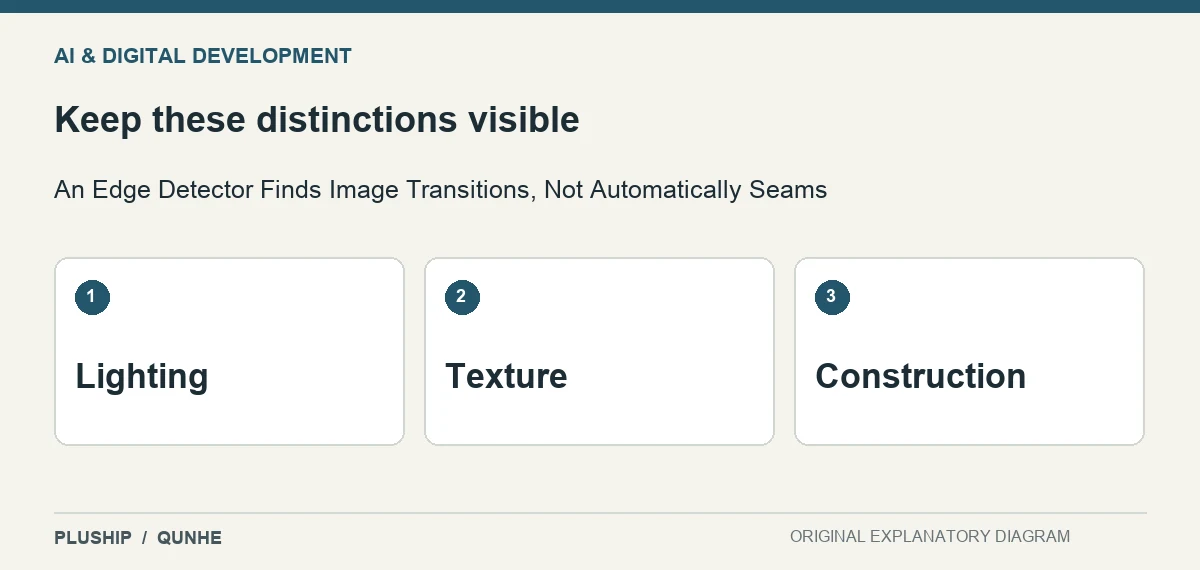
Pile, shadows and printed decoration can all create strong image transitions. A line returned by an edge detector does not explain what physical feature produced it.
OpenCV's Canny tutorial describes a multi-stage method for detecting image edges. OpenCV — edges.
Compare against the intended feature
For a seam-location task, inspect whether the detected lines follow the construction or merely the lighting and texture. Keep examples where the distinction is difficult.
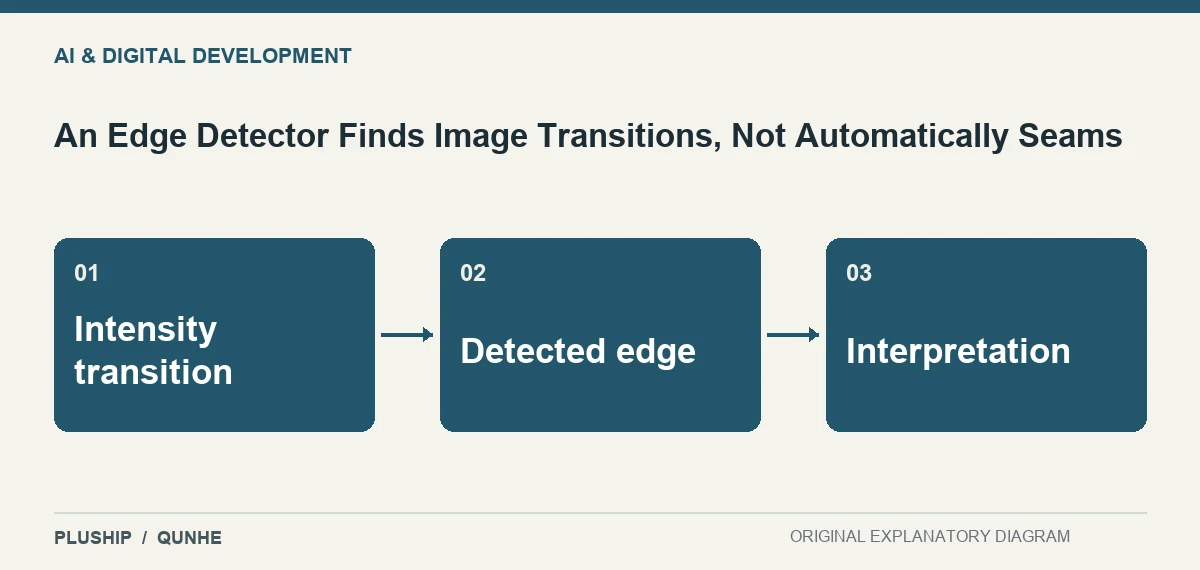
Decide whether more information is needed
A task may require controlled capture, additional features or a trained approach rather than another edge threshold. Judge the result against the actual location question. A visually dramatic edge map is not proof that a seam has been inspected for its physical quality.
Source reviewed 25 October 2026. Interpretation and original diagrams: PLUSHIP / Qunhe. Examples are illustrative.
Related reading
An Unusual Image Is Not Automatically a Defective Product
Adaptive Thresholding Responds to Local Image Conditions